The Digital Sous-Chef: Delegating the Carpentry, Not the Judgment
Blog

AI is useful in design when it handles repetitive production work without replacing the strategic decisions a designer is paid to make.
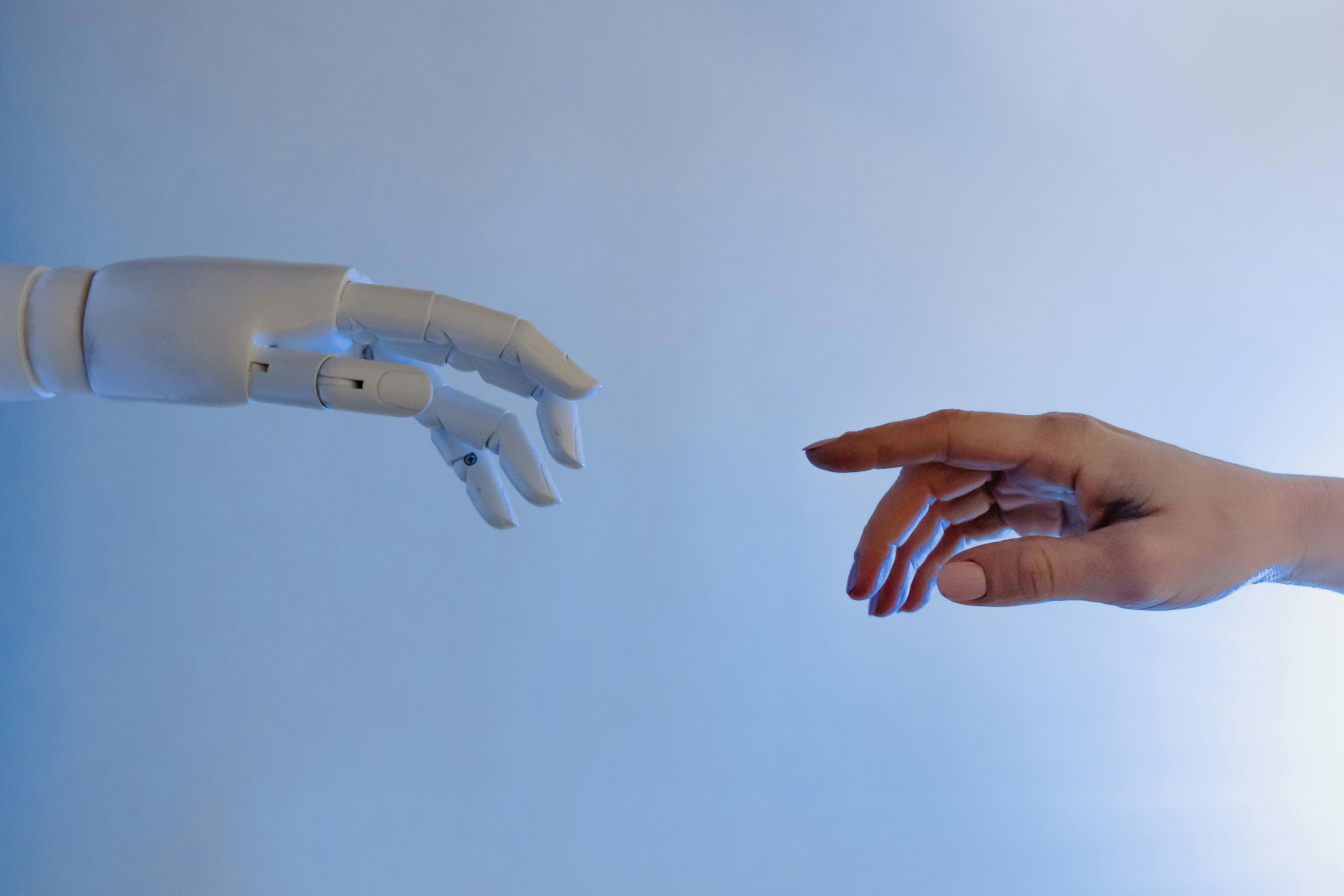
Think of it as a digital sous-chef. It can chop, sort, prep, clean, summarize, and suggest. It should not decide the menu.
Where AI is genuinely useful
The best use cases are usually boring. That is a good sign.
Drafting alt text for images.
Summarizing workshop notes.
Cleaning interview transcripts.
Grouping feedback into themes.
Generating first-pass content variations.
Creating checklists from messy project notes.
Turning a rough outline into a structured draft.
These tasks matter, but they are not where the deepest design judgment lives. They are the carpentry around the decision.
Where AI gets dangerous
AI becomes risky when teams use it to skip interpretation.
A summary of research notes is not an insight. A list of interface ideas is not a strategy. A generated alt text draft is not automatically accessible. A polished paragraph is not automatically true.
The tool can compress material. The designer still has to decide what matters.
A practical AI workflow for designers
Use AI in three passes.
1. Production pass
Ask AI to do the repetitive work: clean notes, extract quotes, generate field descriptions, draft alt text, or format a report.
2. Judgment pass
Review the output yourself. Remove hallucinated claims, weak language, generic patterns, and anything that sounds confident without evidence.
3. Design pass
Turn the cleaned material into a decision: what changes, what stays, what needs testing, and what should be ignored.
Alt text is a good example
AI can draft alt text quickly, but the right alt text depends on context. The same image can need different descriptions depending on whether it is decorative, instructional, emotional, or functional.
A photo of a dashboard might need no alt text in one context, a short description in another, or a detailed explanation if the image carries information the article depends on.
The AI can suggest the sentence. The designer must decide the purpose.
The rule I use
Delegate the work that has a pattern. Keep the work that has consequences.
Generating ten title options is fine. Choosing the positioning is yours. Summarizing a workshop is fine. Deciding what problem the team should solve next is yours.
The quiet benefit
Used well, AI gives designers more time for the uncomfortable part of the job: making decisions with incomplete information.
That is where the value is. Not in producing more interface noise, but in protecting the thinking from being buried under admin work.
Looking for Someone Who Can Do This on Your Team?
I write these breakdowns because it's what I do: find the real bottlenecks (not the obvious ones) and fix them with data.
If your team needs someone who can:
Diagnose conversion problems with data, not opinions
Ship fixes with measurable impact in 30-60 days
Move between strategy, analysis, and execution
Let's talk.

Josue Somarribas
Product Designer especializado en conversión y crecimiento
Contact