MutationObservers Without Panic: A Performance Guide
Blog

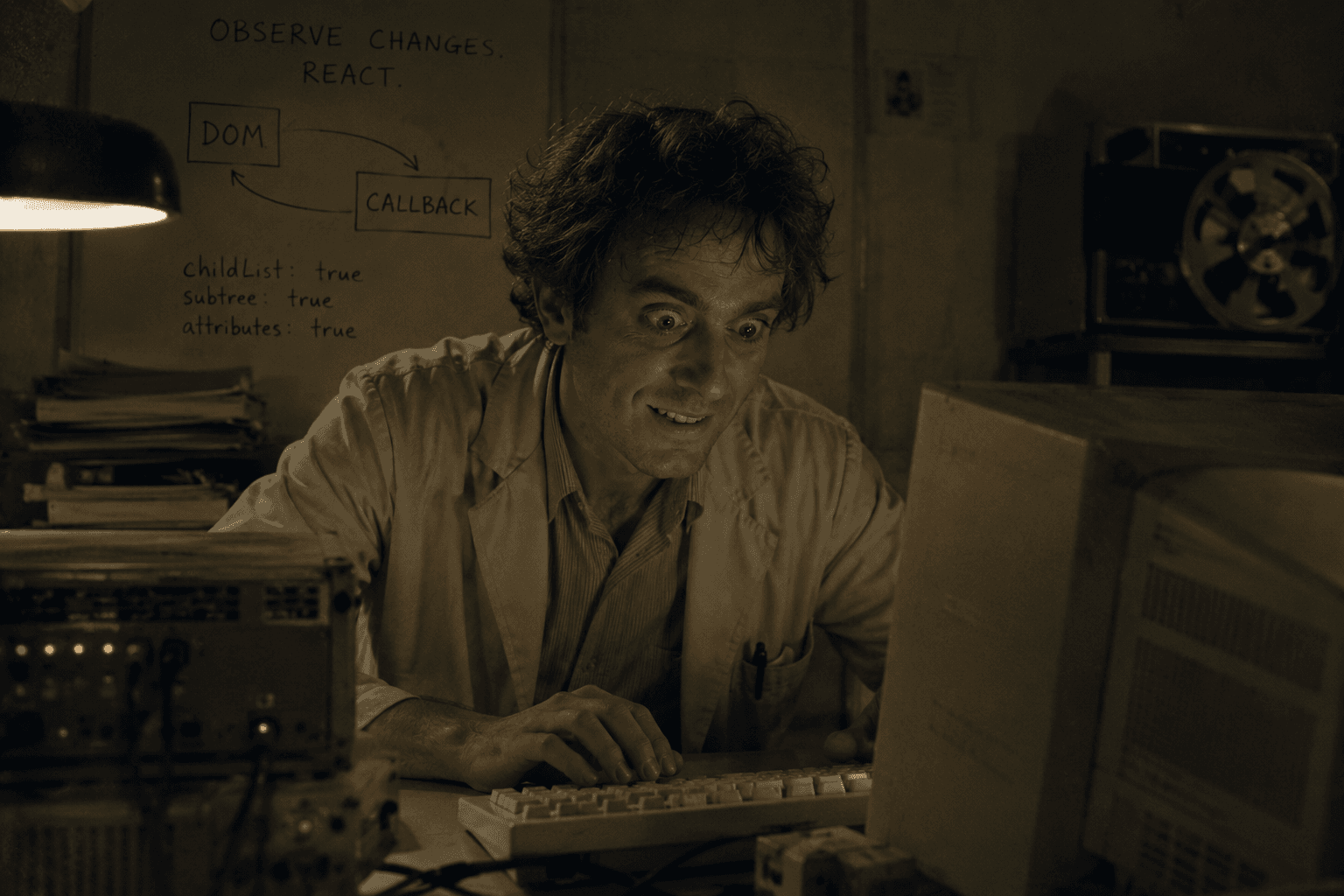
A MutationObserver lets JavaScript watch for DOM changes and react when elements appear, disappear, or change. Used well, it is perfect for dynamic websites. Used badly, it becomes a tiny vacuum cleaner attached to your tag manager, watching everything, forever, with the confidence of someone who has never opened DevTools.
The goal is not to avoid MutationObserver. The goal is to observe less, disconnect sooner, and keep the callback boring.
What MutationObserver is actually for
MutationObserver is a browser API designed to watch changes in the DOM tree. MDN describes it as a replacement for older Mutation Events, and the API has been widely available across browsers for years. That makes it a reliable tool for A/B testing snippets, personalization, dynamic checkout flows, and pages where elements arrive after initial load.
The mistake is treating it like a global search engine. If you observe the entire document with every option turned on, then run heavy selectors inside the callback, you are not monitoring state. You are creating a performance tax.
Start with the smallest stable parent
Do not observe document.body by default. Find the smallest container that is likely to receive the target element. A checkout step, product panel, modal container, or app root is usually better than the whole page.
The smaller the observed area, the fewer irrelevant mutations your callback has to process.
Choose options like you mean it
A MutationObserver needs at least one of childList, attributes, or characterData. Do not enable all three because it feels safer. Each option answers a different question.
childList: use it when nodes are added or removed.
subtree: use it when changes may happen inside descendants.
attributes: use it when a class, state, or data attribute changes.
attributeFilter: use it to limit which attributes matter.
characterData: use it only when text node changes are the signal.
Most tag-manager snippets that wait for an element only need childList: true and sometimes subtree: true. Attribute observation is useful, but it should be deliberate.
Keep the callback cheap
The callback can run many times. That means it should not do heavy DOM queries, layout reads, analytics calls, or rendering work unless the target condition is actually met.
This avoids scanning the whole page every time something unrelated changes. Your callback should behave like a doorbell, not a CCTV system.
Disconnect aggressively
If the observer exists to wait for one element, disconnect it once the job is done. If the element never appears, use a timeout. Infinite observers are sometimes necessary, but most experimentation snippets do not deserve immortality.
A timeout also makes QA easier. You can explain when the script stops trying, instead of saying “it watches the DOM forever,” which is not the sort of sentence that builds trust.
Avoid observer loops
A common bug happens when the observer reacts to DOM changes by injecting more DOM changes, which triggers the observer again. Sometimes that is harmless. Sometimes it creates duplicate UI or a loop that eats performance.
Use an idempotency guard before writing to the DOM:
MutationObserver and idempotency belong together. One watches the page change. The other prevents your reaction from becoming the next problem.
A practical MutationObserver checklist
Observe the smallest stable parent you can.
Use only the options you need.
Filter mutations before querying the whole DOM.
Keep callbacks small and fast.
Disconnect when the target is found.
Add a timeout when the target may never appear.
Guard injected DOM with data attributes.
Store the observer reference so cleanup can disconnect it.
The practical answer
MutationObserver is not dangerous. Lazy observation is dangerous. Watch a specific area, for a specific reason, with a specific exit condition.
That is the difference between a snippet that gracefully waits for dynamic content and one that quietly turns your tag manager into a resource vacuum with a marketing budget.
Looking for Someone Who Can Do This on Your Team?
I write these breakdowns because it's what I do: find the real bottlenecks (not the obvious ones) and fix them with data.
If your team needs someone who can:
Diagnose conversion problems with data, not opinions
Ship fixes with measurable impact in 30-60 days
Move between strategy, analysis, and execution
Let's talk.

Josue Somarribas
Product Designer especializado en conversión y crecimiento
Contact