The Micro-Semiotics of Forms
Blog
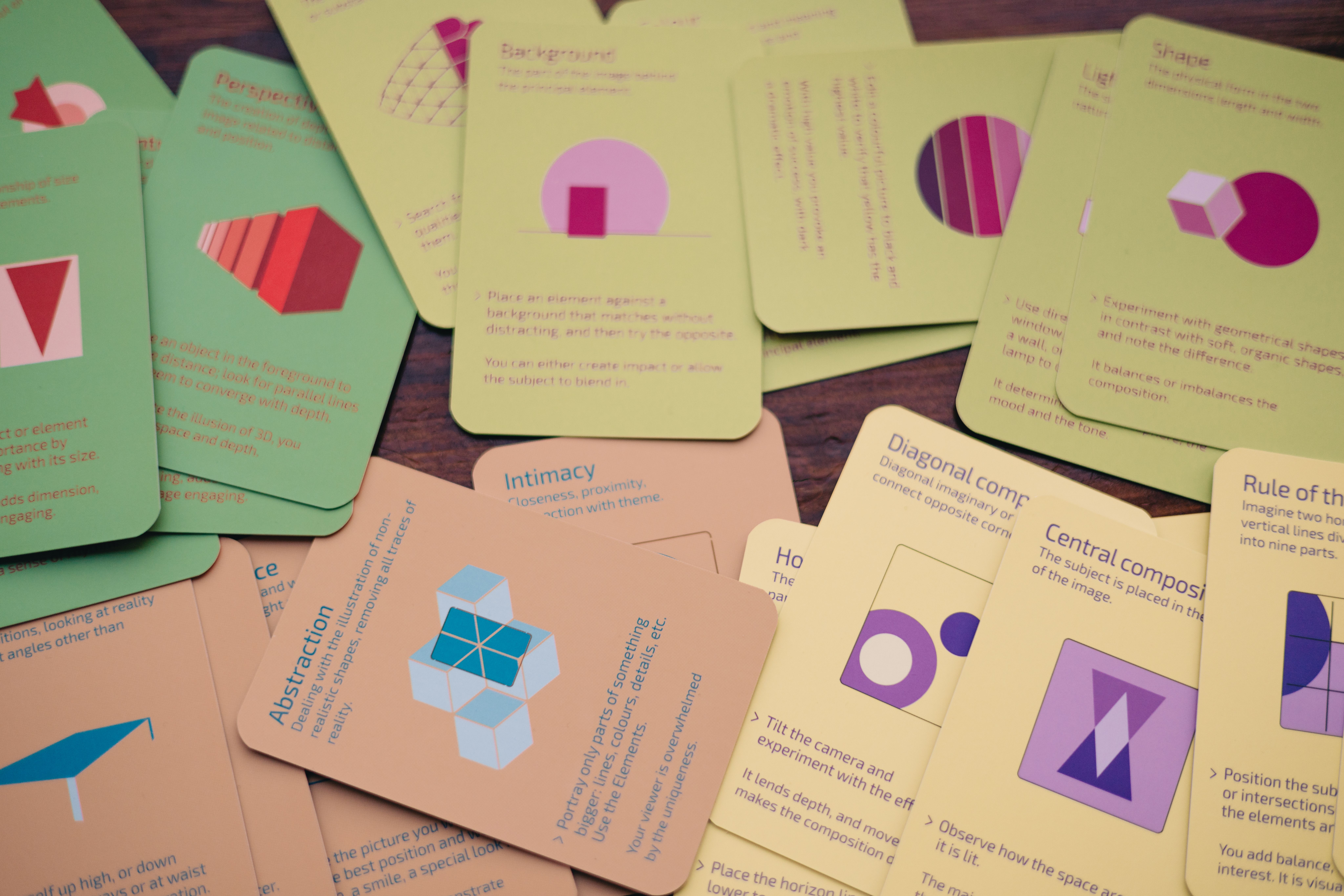
Tiny labels inside forms carry more meaning than they get credit for. A button like Apply can create uncertainty at the exact moment trust matters. This article looks at the practical version, the part that shows up in real projects when the dashboard is incomplete, the guest is tired, the layout breaks, or the tool output looks better than it thinks.
The core idea is simple: The Micro-Semiotics of Forms is not an abstract topic. It affects decisions, support load, conversion, trust, accessibility, and the amount of cleanup someone has to do later. That someone is usually you. Very glamorous.
Keywords: form labels, checkout UX, microcopy, button clarity.
Small labels carry big assumptions
Forms look simple until you watch someone hesitate over a single word. A button like Apply seems harmless. Apply what? A coupon? A filter? A saved change? A legal request? The interface may contain enough context for the designer, but the user experiences the label at speed, under pressure, and often on a small screen.
This is why I think of form copy as micro-semiotics. Tiny words create signs. They tell the user what kind of action is happening and what risk is attached to it. When the sign is ambiguous, the user has to interpret. Interpretation is work. In checkout, work becomes doubt, and doubt becomes abandonment faster than anyone wants to admit in a meeting. The button did not look broken. It just failed to mean enough at the moment it mattered.
Ambiguity creates invisible friction
Not all friction looks like an error. Sometimes friction is a half-second pause where the user wonders what will happen next. Will this apply the promo and keep me here? Will it submit the whole form? Will it refresh the page and erase what I entered? Will it charge me? That pause may not appear in analytics unless you know where to look.
It might show up as rage clicks, repeated clicks, field edits, support questions, or a quiet exit. Ambiguity is tricky because teams can defend it with internal logic. Of course Apply means apply the coupon, they say, while pointing at a field that says promo code. Maybe. But users do not read interfaces like contracts. They scan, infer, and act. If the action has consequences, the label should carry enough meaning on its own.
A button is a promise
Every button is a promise about what happens next. Continue promises movement. Save promises persistence. Remove promises deletion. Apply coupon promises a specific adjustment. Review booking promises a pause before commitment. Pay now promises a financial action. The more specific the promise, the lower the interpretive load.
This does not mean every button should become a paragraph. It means the verb and object should match the outcome. Apply is often too vague because it lacks the object. Apply discount is better. Apply filters is better. Save changes is better. Request approval is better. The user should not need to inspect the surrounding interface like a detective at a mildly disappointing crime scene. The label should do its job.
Context can change the meaning
Words do not mean the same thing everywhere. Apply in a job form has a different weight from Apply in a filter panel. Continue in a checkout step has a different weight from Continue after a warning. Confirm can be reassuring or terrifying depending on what came before it. That is why copy reviews need the full flow, not isolated strings in a spreadsheet.
A translation file may show the word, but it does not show the user’s anxiety. A Figma component may show the button, but not the price total above it or the error below it. Good UX writing reviews what happens before and after the word. The meaning lives in the sequence. This is also why last-minute copy fixes can be dangerous. A word changed for clarity in one place can become misleading in another.
Forms need local truth
Localization makes this even messier. The same English label can require different Spanish choices depending on the market and the action. A word that feels natural in Spain may feel stiff in Mexico, vague in Costa Rica, or overly casual in a financial context. This is not linguistic decoration. It affects conversion because users trust interfaces that sound like they know what they are doing.
Local truth includes tone, formality, legal expectations, payment habits, and common vocabulary. A checkout label should not sound like it was translated by someone who has never bought anything online in that market. The best localization starts with clear base copy, then adapts the decision moment. If the English is vague, the translation team is not localizing. They are guessing in another language.
How to audit form labels
A useful audit is simple. List every form field, helper text, error message, button, link, and confirmation state. For each one, ask what the user believes will happen. Then ask what actually happens. If those answers differ, fix the copy or the interaction. Check whether required fields are clear.
Check whether error messages explain recovery. Check whether buttons include the object when the verb is vague. Check whether links describe their destination. Check whether destructive actions get a confirmation that is specific, not theatrical. Do this on mobile too, because labels that feel fine on desktop can become truncated little mysteries. Also test with someone outside the project. Internal teams are terrible witnesses because they already know the plot.
The analytics side of microcopy
Microcopy changes are measurable, but only if the instrumentation is sensible. Track clicks on ambiguous buttons, field completion, error rates, repeated submissions, coupon attempts, checkout exits, and support contacts tied to the flow. Session recordings can reveal hesitation, but use them carefully and respect privacy. The goal is not to spy on users.
The goal is to detect where language and expectation drift apart. A/B testing can help when volume exists, but not every copy issue needs a full experiment. If a label is plainly ambiguous, fix it. Testing whether confusion is bad is not always a noble scientific act. Sometimes it is just procrastination with a dashboard.
Clarity is not a downgrade
Designers sometimes fear that clear copy will sound dull. It might, if the brand has nothing else going for it. But in forms, clarity is part of the product. The user is not there to admire the personality of the submit button. They are trying to complete a task without making a mistake.
Give them the right sign at the right moment. Save the cleverness for places where the user is not carrying risk. A good form label disappears because it answers the question before the user fully asks it. That is not boring. That is craft, just small enough that people underestimate it.
A practical checklist
List every button and field label.
Check whether each action has a clear object.
Review errors for recovery instructions.
Test labels in mobile context.
Validate localized copy with market context.
The part worth keeping
The other reason this matters is maintenance. A decision that is clear today will be read later by someone who was not in the meeting, did not hear the caveat, and does not know which compromise was made. Good writing and good structure make that future reading less painful. In a small business, a portfolio site, an Airbnb listing, or an experimentation program, that future reader is often the same person wearing a different hat. Documentation is not a luxury when the system has to survive fatigue, handoffs, and the occasional very optimistic past version of yourself.
There is also a business angle that is easy to miss. Every unclear step creates a support cost. Every ambiguous label creates a small risk. Every hidden rule creates an argument later. Every unreviewed AI output creates a little brand drift. These are not always catastrophic costs. That is why they survive. They are small enough to ignore and frequent enough to accumulate. The mature move is to treat them as design debt before they become operational debt.
A useful way to review the work is to ask what the user or stakeholder has to remember. If the answer is too much, the system is probably leaning on memory instead of design. Move information closer to the action. Repeat critical details when the context changes. Use the same words for the same action. Keep the next step visible. These are old principles, but old principles keep working because humans have not received a major firmware update.
None of this removes the need for judgment. Frameworks help, checklists help, analytics help, and AI can help too. But the final decision still needs a person who understands the context and can say what tradeoff is acceptable. That is where craft lives. It is not in sounding clever. It is in knowing which detail will matter when someone is tired, uncertain, rushed, or annoyed.
The other reason this matters is maintenance. A decision that is clear today will be read later by someone who was not in the meeting, did not hear the caveat, and does not know which compromise was made. Good writing and good structure make that future reading less painful. In a small business, a portfolio site, an Airbnb listing, or an experimentation program, that future reader is often the same person wearing a different hat. Documentation is not a luxury when the system has to survive fatigue, handoffs, and the occasional very optimistic past version of yourself.
There is also a business angle that is easy to miss. Every unclear step creates a support cost. Every ambiguous label creates a small risk. Every hidden rule creates an argument later. Every unreviewed AI output creates a little brand drift. These are not always catastrophic costs. That is why they survive. They are small enough to ignore and frequent enough to accumulate. The mature move is to treat them as design debt before they become operational debt.
A useful way to review the work is to ask what the user or stakeholder has to remember. If the answer is too much, the system is probably leaning on memory instead of design. Move information closer to the action. Repeat critical details when the context changes. Use the same words for the same action. Keep the next step visible. These are old principles, but old principles keep working because humans have not received a major firmware update.
The useful takeaway is not to make the micro-semiotics of forms sound bigger than it is. The useful takeaway is to make it easier to act on. Write the rule before the mistake, design the recovery path before the incident, report the test before someone edits the story, and review the AI output before it becomes the brand. Most problems become less mysterious when the system is forced to explain itself.
That is the work. Not glamorous, not very mystical, and rarely suitable for a dramatic keynote. But it is the work that keeps products, websites, experiments, and guest experiences from collapsing under the weight of tiny unmade decisions.
Looking for Someone Who Can Do This on Your Team?
I write these breakdowns because it's what I do: find the real bottlenecks (not the obvious ones) and fix them with data.
If your team needs someone who can:
Diagnose conversion problems with data, not opinions
Ship fixes with measurable impact in 30-60 days
Move between strategy, analysis, and execution
Let's talk.

Josue Somarribas
Product Designer especializado en conversión y crecimiento
Contact